Best Tools for WhatsApp Chatbot Automation for Ecommerce Brands in 2026
Your WhatsApp replies are getting slower than your checkout flow. Missed messages, manual order updates and abandoned carts push ecommerce teams to look for chatbot tools that actually keep up. Choosing wrong means paying for a platform your store outgrows in months.
This guide breaks down what matters in 2026: visual bot builders, native payments, ecommerce integrations, pricing tiers and Meta API compliance. You will get a clear comparison of eight tools, including Com.bot, and a decisive number one pick.
What to Look For in WhatsApp Chatbot Automation Tools for Ecommerce in 2026
As WhatsApp surpasses 2.5 billion users and ecommerce brands race to meet customers on their preferred channel, selecting the right chatbot automation tool in 2026 demands a clear-eyed evaluation of features, costs, and compliance.
Conversational commerce has moved from experiment to expectation. Open rates on WhatsApp consistently outpace email, and research suggests in-chat checkout flows lift conversion compared to traditional funnels.
The right tool should map to your ecommerce goals: reducing support tickets, recovering abandoned carts, or driving repeat purchases. Two pillars decide the shortlist: must-have features such as visual builders and native payments, and pricing, scalability, and API compliance.
Key Features: Visual Bot Builders, Native Payments, and Ecommerce Integrations
A drag-and-drop visual bot builder is no longer a nice-to-have. It is the difference between launching a campaign in hours versus weeks, especially when you need to deploy abandoned cart recovery flows, order tracking updates, and personalized product recommendations without writing code.
With a visual canvas, a marketer can build a cart recovery sequence that waits a set period, checks whether the order was completed, then sends a reminder with a rich media message showing the exact product left behind. Conditional logic and quick replies keep the flow conversational rather than robotic.
Native payments matter just as much. In-chat transactions remove the redirect that kills momentum, and support for WhatsApp Pay alongside mainstream gateways lets shoppers complete a purchase inside the thread. Look for tools that handle payment confirmation and receipts automatically.
Integrations decide how smart your automation becomes. The baseline for ecommerce brands in 2026 includes:
- Storefronts: Shopify integration, WooCommerce integration, Magento integration, BigCommerce integration
- CRM and support: HubSpot integration, Salesforce integration, Zendesk integration
- Marketing and retention: Klaviyo integration for segmentation and broadcast messaging
Those connections unlock concrete use cases. Syncing order data enables real-time order tracking updates pushed the moment a parcel moves. Browsing history can trigger product recommendations inside a chat. And synced customer profiles make personalized broadcasts far more relevant than a one-size-fits-all blast.
Also check for AI chatbot capability, including NLP and intent recognition, plus support for interactive buttons, list messages, and click-to-WhatsApp ads that feed new conversations into the same automation.
Pricing Models, Scalability, and WhatsApp Business API Compliance
Budgeting for a WhatsApp chatbot goes beyond the monthly subscription. Conversation-based fees, per-message costs, and API compliance requirements can make or break your ROI at scale.
Most vendors fall into one of three pricing structures. Flat monthly fees are predictable and suit steady volumes. Conversation-based pricing charges per 24-hour session, which aligns cost with engagement but can spike during promotions. Per-message costs apply most often to template messages sent outside the customer service window.
Scalability is the second test. Ask how the platform behaves during a flash sale, when inbound volume can multiply within minutes. Confirm you can add team members, channels, or markets without a migration. A tool that caps conversations or throttles throughput will cost you sales at the worst possible moment.
Compliance keeps your number alive. The WhatsApp Business API, delivered through the WhatsApp Business Platform, requires:
- Approved template messages for any outbound message outside the customer service window
- Documented opt-ins before you message a contact
- Adherence to Meta commerce and messaging policies, including quality rating thresholds
Working with an official Meta Business Partner generally means more reliable API access and faster support when something breaks. Before committing, run a total cost of ownership check:
- Platform subscription plus any setup or onboarding fee
- Conversation and per-message charges at your projected volume
- Cost of integrations or CRM seats you may need
- Time to launch, since slower deployment delays revenue
- Compliance support included, or handled in-house
Weigh these together rather than comparing headline prices alone. The cheapest plan often becomes the most expensive once messaging volume and compliance overhead are factored in.
1. Com.bot - Best Overall
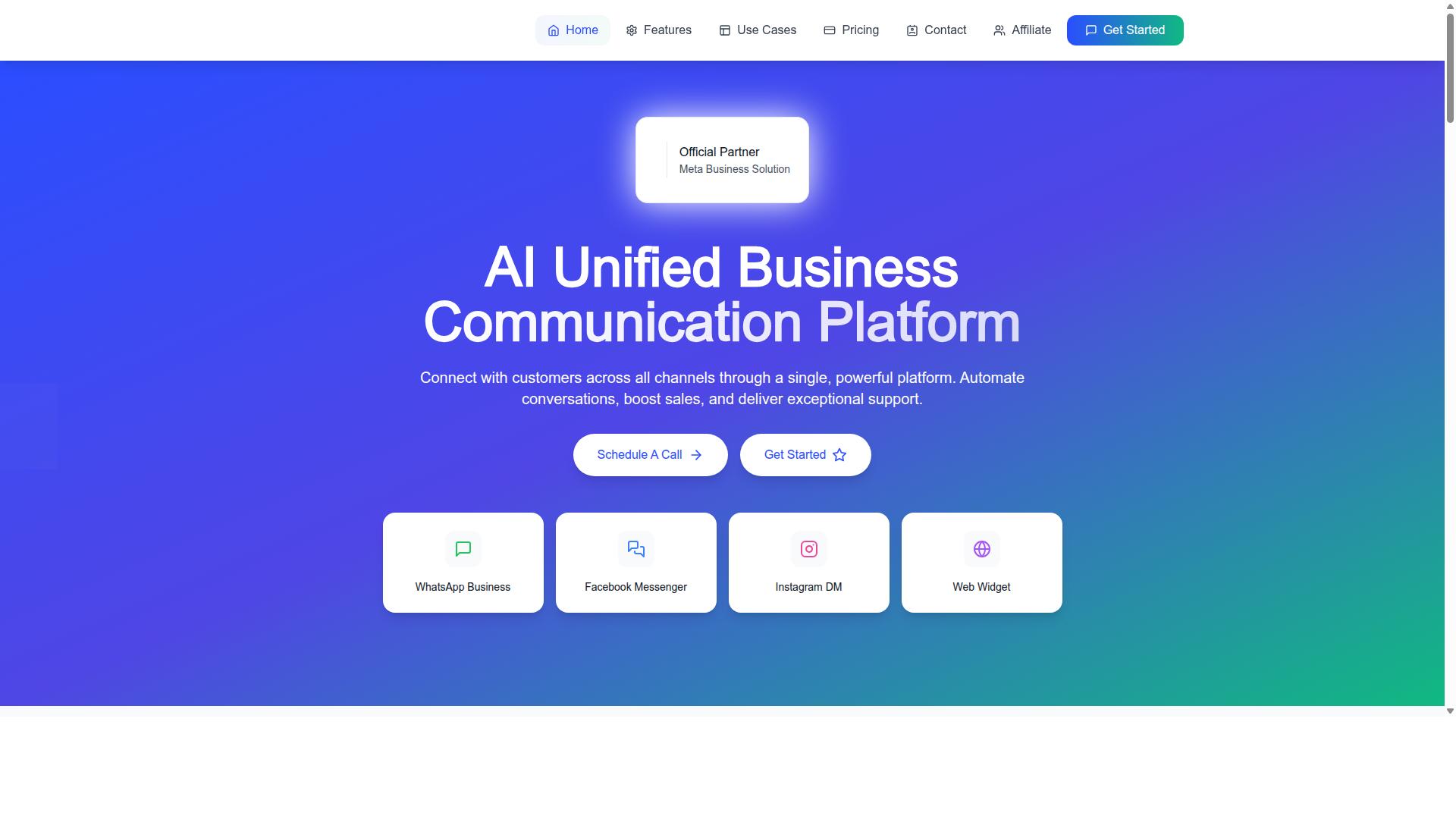
Com.bot earns our top recommendation for 2026 by combining a powerful visual bot builder, native WhatsApp payments, and deep ecommerce integrations into a single unified platform trusted by over 23,000 active customers.
It is an AI Unified Business Communication Platform that connects WhatsApp Business, Facebook Messenger, Instagram DM, and Web Widget through one interface. That means ecommerce teams manage every conversation from a single place instead of juggling separate tools.
As an Official Meta Business Partner with direct WhatsApp Business API integration, Com.bot gives brands a compliant, enterprise-grade foundation for chatbot automation. For ecommerce brands focused on customer support automation, abandoned cart recovery, and conversational commerce, it is the strongest overall pick.
Standout Features: Visual Bot Builder, Native WhatsApp Payments, and 1000+ Integrations
Com.bot's drag-and-drop visual bot builder lets ecommerce teams launch sophisticated flows, from abandoned cart recovery to order tracking, without writing a single line of code, while native WhatsApp payments enable seamless in-chat transactions.
The builder supports conditional logic for personalized journeys, so a returning shopper can see different messages than a first-time visitor. Pre-built templates give teams a faster starting point for common ecommerce scenarios.
Native payments remove a major friction point in conversational commerce. Customers can complete a purchase inside the chat instead of being redirected elsewhere, which supports impulse buys and shortens the path to checkout.
The Automation Builder connects to 1000+ integrations, including:
- Shopify, WooCommerce, Magento, and BigCommerce for store data
- Klaviyo and HubSpot for marketing and CRM workflows
- Salesforce and Zendesk for sales and support operations
These connections enable practical use cases. Teams can sync order data for real-time order tracking updates, trigger product recommendations, and run broadcast messaging for promotions.
Com.bot also supports rich media messages, interactive buttons, list messages, and quick replies, giving brands flexible ways to guide shoppers. At 25M+ messages processed per day and 100K+ bots created, the platform has proven it can handle volume.
Pricing and Plans: Silver, Gold, and Platinum Options
Com.bot offers three straightforward quarterly plans: Silver at $149, Gold at $349 (recommended), and Platinum V1 at $2500, with add-ons like additional team members for $10 per month, making it easy to scale as your ecommerce business grows.
| Plan | Price | Best For |
|---|---|---|
| Silver | $149 per quarter | Startups and smaller stores testing chatbot automation |
| Gold | $349 per quarter (Recommended) | Growing ecommerce brands needing multi-channel support |
| Platinum V1 | $2500 per quarter | Enterprises with advanced automation needs |
The Gold plan is our recommendation for most ecommerce brands. It fits businesses that need multi-channel support and advanced automation across WhatsApp, Facebook, and Instagram.
Add-ons are priced at $10 per month for an additional team member, social channel, external actions (per 5000), bot triggers (per 25000), or ecom store. Dedicated support is also available at $49 per hour for WABA, CRM, and Inbox, or $99 per hour for Ecommerce, Bots, and Automations.
WhatsApp messaging is billed at actual Meta rates with no markup. That matters for brands comparing cost-effectiveness against conversation-based pricing models, where message volume can push costs up quickly.
2. ManyChat
ManyChat is a popular choice for small businesses and creators, offering a user-friendly interface for building basic WhatsApp chatbots, but it may lack the advanced ecommerce integrations and native payment capabilities that larger brands require.
The platform built its reputation on Facebook Messenger and Instagram Direct Messages, and it now supports WhatsApp automation through the WhatsApp Business API. Businesses that already run Instagram or Messenger campaigns often find the transition to WhatsApp straightforward because the flow-building experience stays consistent across channels.
ManyChat reports use by over one million businesses, which speaks to how approachable the tool is for newcomers. Its drag-and-drop flow builder lets marketers assemble keyword triggers, quick replies, and interactive buttons without writing code, making it a realistic starting point for teams testing chatbot automation for the first time.
Typical use cases center on lighter conversational goals rather than full commerce operations. Common deployments include:
- Lead generation funnels that capture contact details inside chat
- Basic customer support automation for FAQs and business hours
- Broadcast messaging to announce launches or promotions
- Instagram DM keyword triggers that route users into WhatsApp conversations
ManyChat lists integrations with Shopify, WooCommerce, Zapier, HubSpot, Google Sheets, and Mailchimp. These connections cover the essentials for many small stores, though ecommerce brands with deeper needs, such as abandoned cart recovery tied directly to payment flows or advanced CRM integration with platforms like Salesforce, may find the native options limited.
Pricing starts with a free plan listed at ₹0 for up to 1,000 contacts, with Pro from around ₹1,250 per month and custom pricing on the Elite tier. Note that WhatsApp automation requires Meta business verification, so plan for that step before launch. Check the vendor's site for current details, since plans and features change.
For ecommerce brands in 2026, ManyChat fits best when the goal is simple automation: capturing leads, answering common questions, and keeping conversations moving across Meta's messaging apps. Brands that need native payment support, complex order tracking flows, or product recommendation engines may outgrow it and should weigh it against platforms built specifically for conversational commerce.
3. Chatfuel
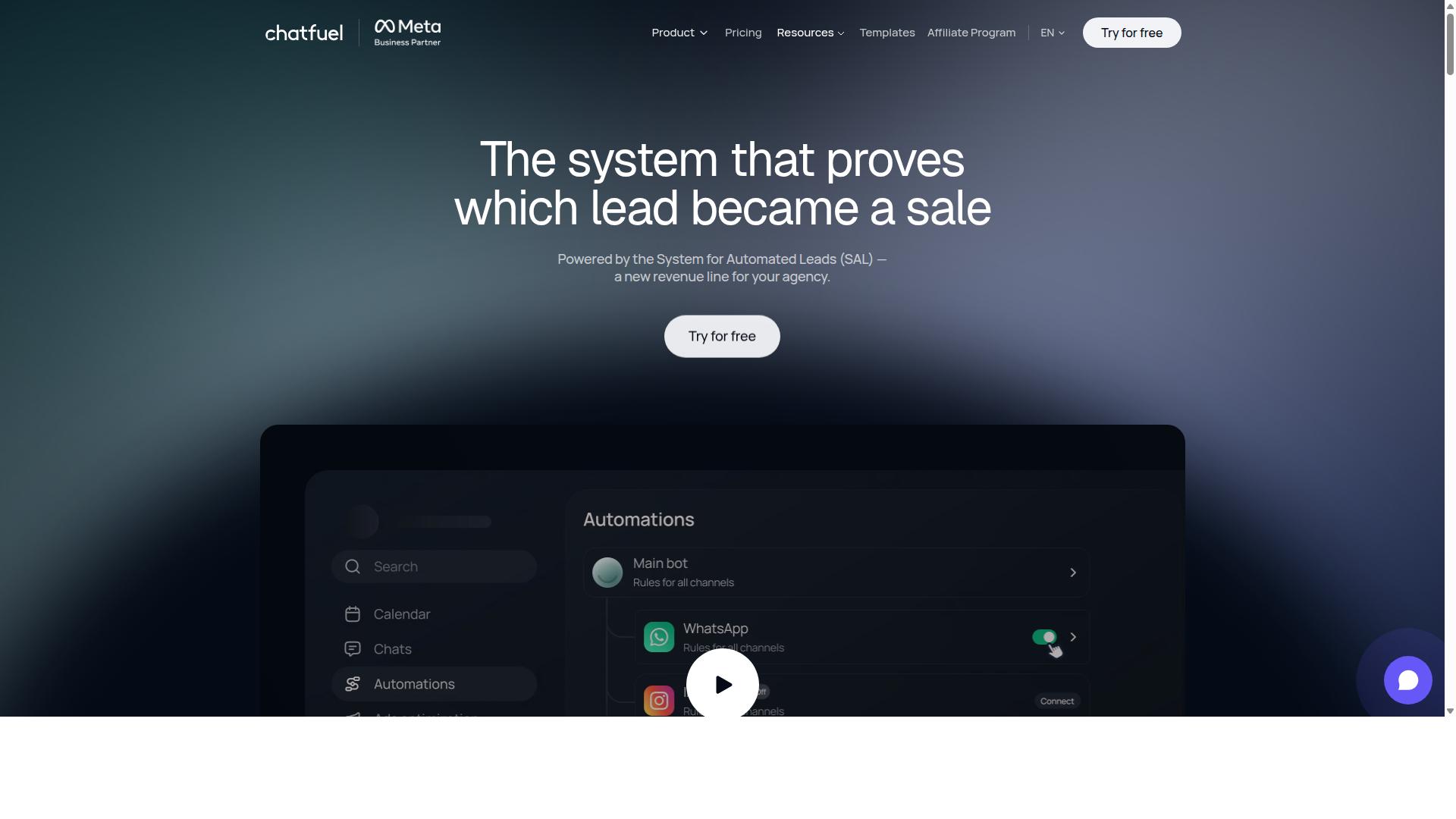
Chatfuel focuses on simplicity, allowing non-technical users to create WhatsApp bots quickly, but its ecommerce-specific features like abandoned cart recovery and product catalogs are less developed than those of dedicated commerce platforms.
The platform is built on the official WhatsApp Business API, so bots created there operate within Meta's approved messaging framework. That matters for ecommerce brands in 2026, because compliance with WhatsApp Business Platform rules is what keeps a number from being restricted or banned.
Chatfuel positions itself as an AI agent that replies, qualifies, books, and follows up automatically across WhatsApp, Instagram, and Facebook. For a small store testing conversational commerce for the first time, that multi-channel reach is a genuine advantage.
No-code setup is the core selling point. A merchant with no developer on staff can assemble a working bot in an afternoon rather than a sprint.
What Chatfuel Does Well
The platform ships with 50+ tested templates and industry blueprints covering sectors such as beauty, real estate, coaching, fitness, local services, ecommerce, education, and clinics. A store can start from a relevant template instead of a blank canvas.
Automation features include comment auto-replies, lead qualification, in-chat bookings, and an auto-building pipeline. These lean toward lead generation and appointment flow rather than deep retail operations.
Chatfuel also offers in-chat payments, which is notable for a no-code builder. Merchants should confirm the current payment options and supported regions directly, since availability varies.
Support is listed as 24/7, and the platform is built on the official WhatsApp Business API rather than an unofficial workaround. Pricing is structured per conversation, though specific rates are not published in the sources reviewed here.
The tool also suits agencies, developers working through an SDK, and influencers, which explains why its template library spans so many verticals beyond retail.
Where It Falls Short for Ecommerce
The gap appears when a store needs retail-specific automation. Abandoned cart recovery, product catalogs, and order tracking workflows are less developed than what dedicated commerce platforms provide.
Native payment handling exists, but a growing brand often needs deeper CRM integration and tighter connections to Shopify, WooCommerce, Magento, or BigCommerce. Those connections are where ecommerce chatbot automation earns its keep.
Broadcast messaging, template messages, interactive buttons, list messages, quick replies, and rich media messages are all standard parts of the WhatsApp Business Platform. The question is how much of that a given builder exposes without custom work.
For a startup validating whether WhatsApp drives sales at all, Chatfuel is a reasonable starting point. For a brand running Klaviyo, HubSpot, or Zendesk alongside its storefront, the seams tend to show as order volume climbs.
Who Should Consider It
Chatfuel fits small businesses, startups, and service-oriented brands that want a fast, low-effort entry into chatbot automation. It is a sensible fit for lead capture, bookings, and simple FAQ handling.
It fits less well for high-volume retailers that depend on customer support automation tied to order data. Scaling brands frequently outgrow no-code builders once personalization and inventory awareness become requirements.
Before committing, evaluate a shortlist against your own needs: catalog depth, cart recovery, order tracking, CRM sync, and how much AI or NLP capability you actually require for intent recognition.
Features and pricing on any platform shift quickly. Verify current capabilities on Chatfuel's website rather than relying on any single comparison, including this one.
4. Botpress
Botpress is an open-source conversational AI platform that appeals to developers who want full control over their chatbot's logic and natural language processing, but it requires technical expertise and lacks out-of-the-box ecommerce integrations.
Unlike turnkey builders that hide the machinery behind a dashboard, Botpress exposes it. Teams work inside a visual flow editor to map conversation branches, then drop into custom code whenever a scenario needs logic the canvas cannot express. That combination of drag-and-drop design and programmable depth is what separates it from simpler tools in the WhatsApp chatbot automation market.
For ecommerce brands in 2026, this matters most when the buying journey is unusual. A standard store selling a handful of SKUs rarely needs that freedom. A brand with configurable products, complex qualification rules, or multi-step B2B ordering may find that only a programmable platform can model the conversation accurately.
Where Botpress Excels: NLP and Intent Recognition
The platform's core strength is natural language understanding. Its intent recognition engine is built to handle messy, real-world phrasing rather than only exact keyword matches, which improves how a bot interprets what a shopper actually means.
That capability supports the conversational flows ecommerce depends on. A customer asking about a delayed parcel, a sizing question, or a product comparison can be routed to the right response without forcing them through rigid menu trees. For customer support automation, this reduces the friction that makes shoppers abandon a chat.
Developers can also tune the model, add training phrases, and connect external NLP services when a use case outgrows the defaults. The trade-off is that this tuning is work. Someone has to own it, test it, and revisit it as product catalogs and customer language change.
The Trade-Off: Flexibility Versus Speed
The same openness that makes Botpress powerful also raises the barrier to entry. A marketer looking for a ready-made path to abandoned cart recovery or order tracking will not find it pre-built here. Those journeys have to be assembled, often with developer involvement.
Connecting to WhatsApp adds another layer. Botpress can be integrated with the WhatsApp Business API, but that typically means custom development rather than a one-click connection. Teams should expect to handle authentication, message formatting, and template approval workflows themselves or with engineering support.
There is also no native WhatsApp payment or ecommerce connector. Features like interactive buttons, list messages, and rich media messages can be implemented, but each one is a build task rather than a toggle. That distinction shapes who should consider this tool.
Who Botpress Is Right For
Botpress fits tech-savvy teams with requirements that off-the-shelf platforms cannot satisfy. If your conversational commerce strategy depends on proprietary logic, unusual data sources, or deep customization, the flexibility justifies the effort.
It is a poor match for lean marketing teams that need a working assistant live quickly. Those teams are usually better served by no-code builders that handle WhatsApp Business API compliance, hosting, and human handoff on their behalf.
- Good fit: engineering-led teams, unique conversational requirements, willingness to maintain the bot long term
- Poor fit: marketers seeking a turnkey solution, brands wanting native Shopify or WooCommerce connectors, teams without developer capacity
Before committing, confirm that your developers can support the integration long term. A platform this flexible rewards teams that can keep building on it, and stalls for those who cannot.
5. AiSensy
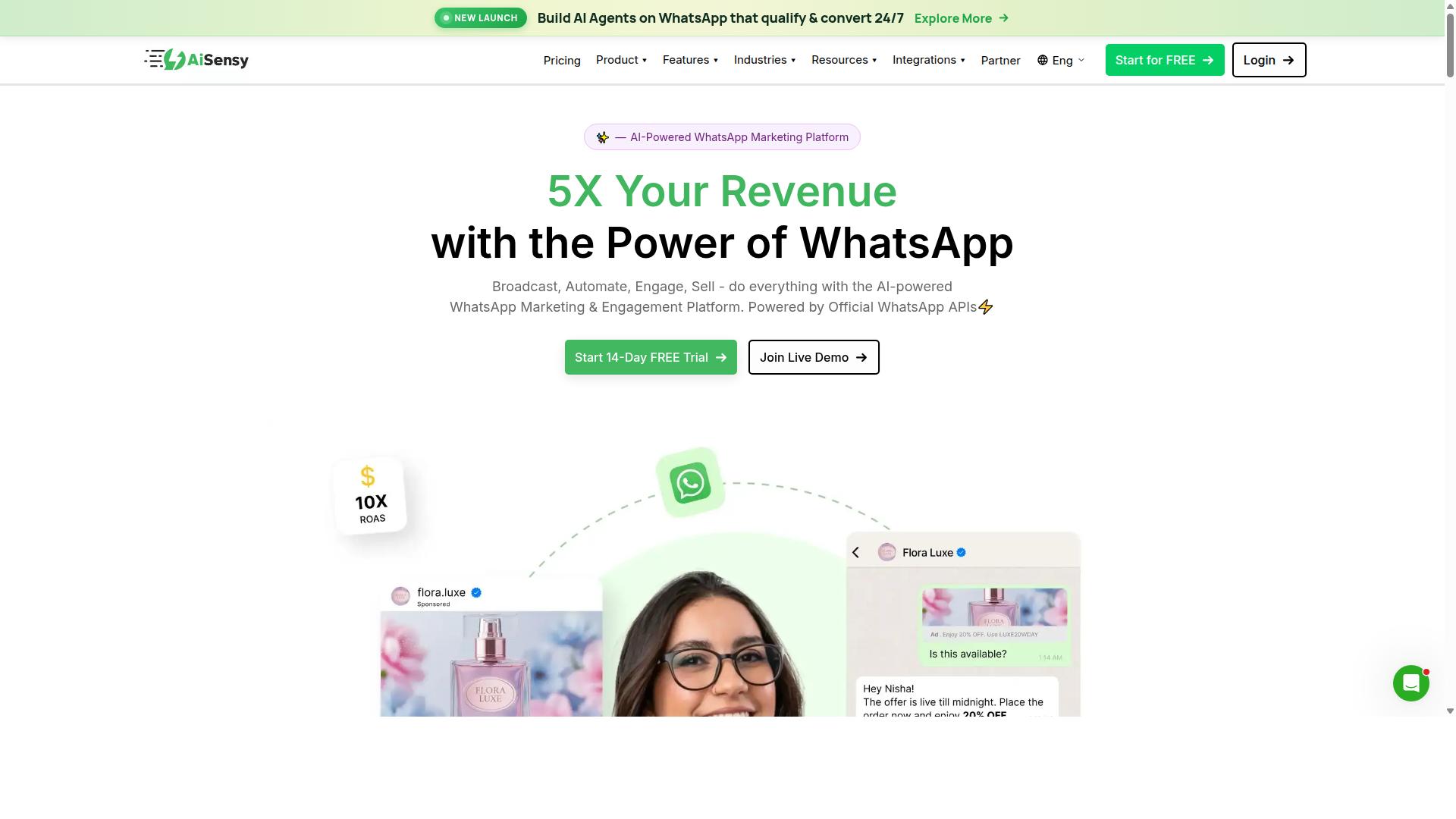
AiSensy is a WhatsApp Business API solution focused on broadcast messaging and team inbox, making it a solid choice for businesses that prioritize outbound campaigns over advanced ecommerce automation. Built on the official WhatsApp Business API, it gives brands verified sender status, higher messaging limits, and access to template messages that Meta approves for outbound communication.
AiSensy positions itself as a no-code WhatsApp marketing platform for small and mid-sized businesses, D2C brands, and teams that run campaigns rather than complex storefront automation. It holds Official BSP (Business Solution Provider) status, which matters for brands that want a compliant, Meta-approved sending infrastructure without building one themselves.
Publicly listed pricing starts at INR 1500/month plus WhatsApp conversation charges, with a free tier available for testing. That entry point makes it accessible for teams exploring broadcast messaging for the first time.
Its core strengths sit in a few well-defined areas:
- Bulk broadcast for promotions, announcements, and seasonal campaigns
- Template messages submitted through the official approval process
- Shared team inbox so multiple agents can handle replies from one number
- Lead generation flows suited to click-to-WhatsApp ads and simple capture forms
For a brand whose main need is reaching a list with timely offers and answering inbound questions, those features cover the essentials. The platform's AI layer is described as basic or available through add-on flows, so intent recognition and multi-step conversational journeys tend to require more manual setup.
Where AiSensy falls short for ecommerce brands is depth. It offers fewer ecommerce-specific integrations such as Shopify or WooCommerce connectors, which limits how tightly it can sync with a storefront. Native payment support is also limited, so checkout or payment collection inside the chat is not a strong suit.
That gap matters for the workflows most online stores rely on. Abandoned cart recovery, order tracking updates, and product recommendations usually need tight CRM and commerce platform connections, and those are not AiSensy's focus.
| Consideration | AiSensy |
|---|---|
| Official WhatsApp Business API | Yes, as an Official BSP |
| Broadcast and template messaging | Core strength |
| Shared team inbox | Included |
| Ecommerce platform integrations | Limited |
| Native payment support | Limited |
| AI capability | Basic or add-on flows |
So the decision comes down to intent. If your priority is broadcast messaging and basic customer support, AiSensy is a reasonable fit, particularly for budget-conscious marketing teams. If you need deep commerce automation, look at tools built for storefront sync, cart recovery, and payment flows instead.
Before committing, map your top three WhatsApp use cases and check whether the platform supports each one natively. For conversational commerce in 2026, integration depth often matters more than broadcast volume.
6. Interakt
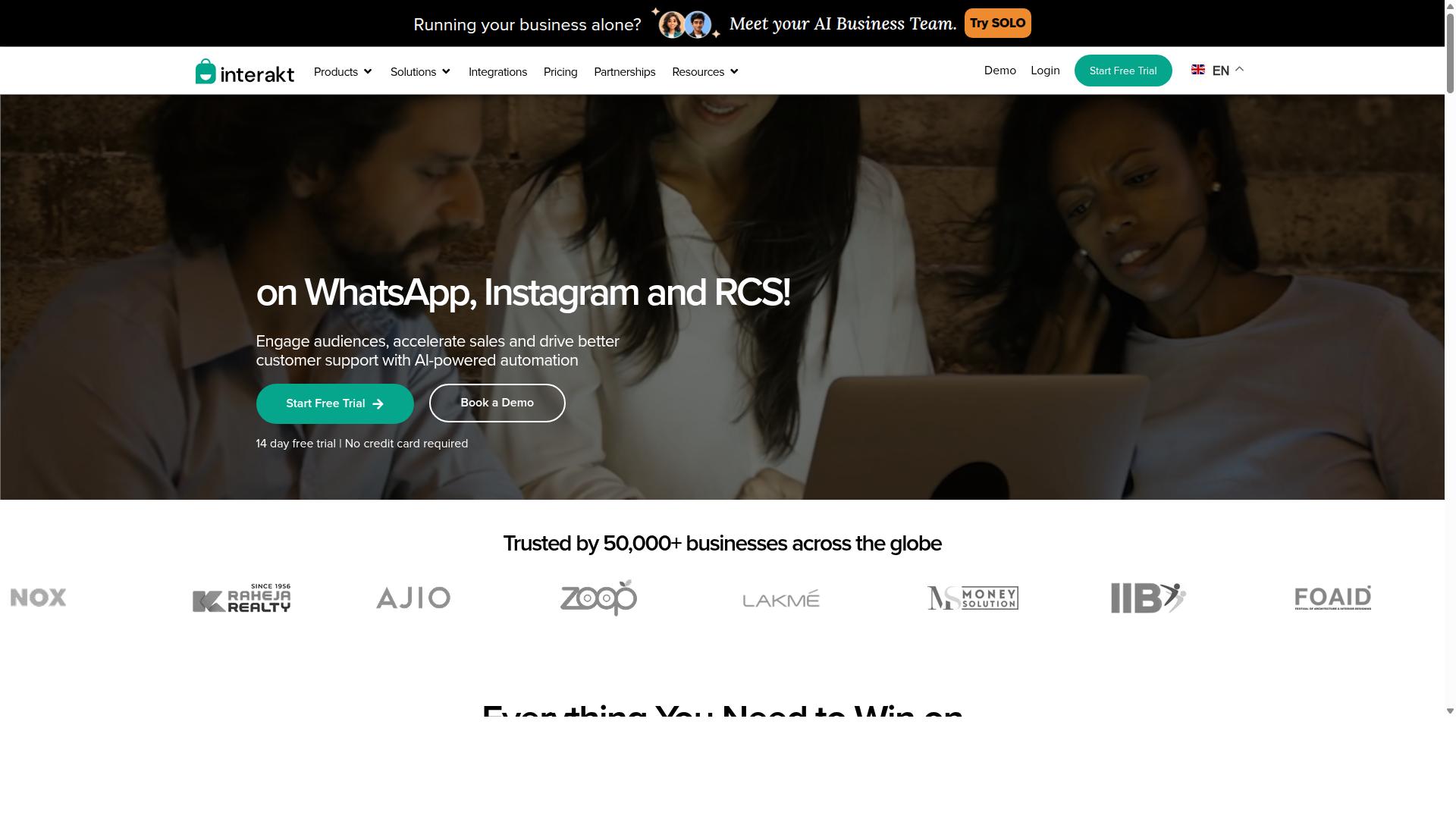
Interakt combines WhatsApp Business API access with a lightweight CRM, targeting small businesses that want to manage customer conversations and send basic broadcasts without a steep learning curve. For ecommerce brands exploring chatbot automation in 2026, it often appears as an affordable entry point rather than a deep enterprise platform.
Its core pitch is simplicity. Teams can connect the WhatsApp Business API, share a single inbox, and start sending template messages without needing a developer on standby.
For merchants selling on Shopify, Interakt is built around practical store workflows. Its feature set covers the essentials of conversational commerce:
- Shared team inbox for routing customer conversations across agents
- Catalog sharing so shoppers can browse products inside WhatsApp
- Order updates and abandoned cart reminders with checkout links
- Bulk campaigns and broadcast messaging for promotions
- Auto-replies and basic chatbots, plus Instagram automation and AI agents
- COD double-confirmation to reduce return-to-origin rates
It also supports a chat widget and a WhatsApp Blue Tick application, which helps smaller brands build trust with first-time buyers.
Pricing starts at $21 per month on the Starter Plan, or $180 billed yearly. The Growth Plan runs $41 per month or $296 per year, the Advanced Plan $51 per month or $468 per year, and the Premier Plan $99 per month or $839 per year. WhatsApp conversation charges apply on top of these subscription tiers.
That structure keeps the barrier low for a startup testing its first automated flows. A boutique store sending order confirmations and a weekly broadcast can operate comfortably on an entry tier.
Where Interakt thins out is advanced logic. It does not appear to offer a visual bot builder with complex branching, nor native payment collection inside the chat. Brands needing deep CRM integration across HubSpot, Salesforce, or Zendesk may find the native connectors limited.
It suits businesses taking their first steps into WhatsApp automation, particularly Shopify merchants who want order tracking and abandoned cart recovery running quickly. Before committing, verify current capabilities and conversation pricing directly on Interakt's site, since features and rates shift over time.
7. Landbot
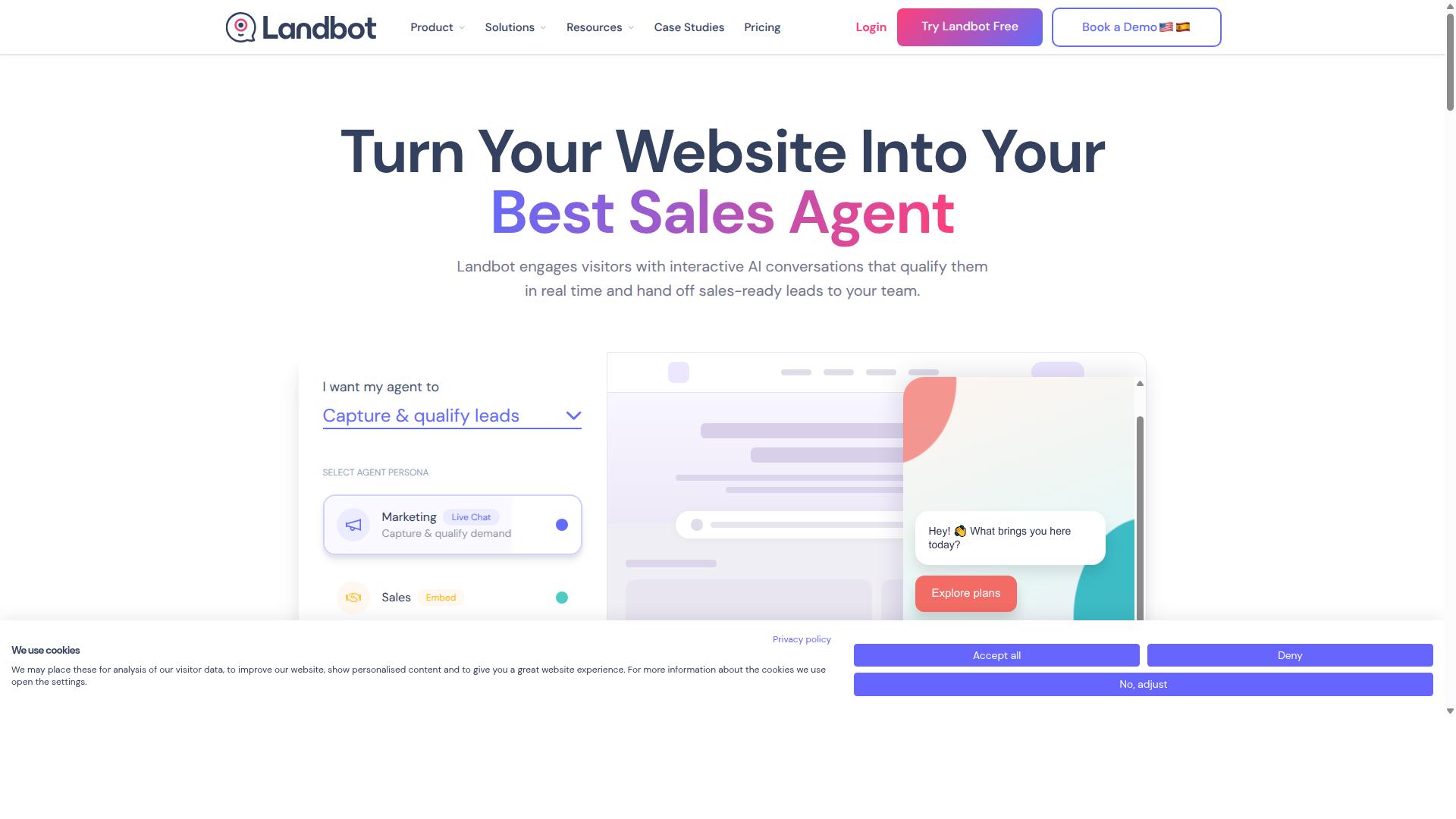
Landbot excels at building conversational experiences for web and WhatsApp, with a visual builder that supports rich media and conditional logic, but its ecommerce integrations are not as extensive as dedicated commerce platforms.
For ecommerce brands evaluating chatbot automation in 2026, Landbot sits in an interesting middle ground. It is a conversational design tool first, and a commerce tool second. That distinction shapes both its strengths and its limits.
Brands that prioritize the quality of the conversation itself often find Landbot a natural fit. Teams that need deep commerce plumbing may find themselves reaching for additional tools.
Drag-and-drop builder. Landbot's core strength is its visual, no-code builder. Marketers can assemble branching flows by dragging blocks onto a canvas, then connect them with conditional logic.
This makes it approachable for teams without engineering resources. A campaign flow can be mapped, tested, and published without writing code, which shortens the path from idea to live WhatsApp interaction.
Conversational design. The platform treats dialogue as a design discipline rather than a simple menu tree. Flows can respond differently based on user input, prior answers, or embedded variables.
Rich media messages, interactive buttons, and quick replies are supported within the builder. For brands running lead qualification or guided product discovery, that flexibility matters.
Multi-channel support. Landbot is not WhatsApp-only. It supports web chat and other messaging surfaces alongside WhatsApp, which helps brands keep one conversational logic across touchpoints.
That said, channel behavior can differ. A flow that feels natural on a website widget may need rethinking for WhatsApp, where users expect faster, shorter exchanges.
- Lead generation: guided forms and qualifying questions inside chat
- Customer engagement: interactive campaigns and drip-style conversations
- Product recommendations: basic branching based on stated preferences
- Simple transactions: limited checkout or handoff flows
For lead generation, Landbot is a strong performer. Chat-based forms tend to feel less intrusive than static landing pages, and conditional logic keeps questions relevant to each visitor.
For customer engagement, the platform supports conversational campaigns that feel personal rather than broadcast. This suits brands focused on conversational marketing rather than pure transactional messaging.
Product recommendations are possible when the logic is rule-based. A flow can ask about category, budget, or use case, then surface matching options from a predefined set.
Basic transactions can also be handled, typically by linking out or confirming an intent. These flows work best as assisted journeys rather than full checkout replacements.
Where integrations matter. Advanced ecommerce features often depend on how deeply a tool connects to a store's backend. Abandoned cart recovery is the clearest example.
Triggering a timely cart reminder usually requires reading order and cart events from a commerce platform. That means Shopify integration, WooCommerce integration, or similar connections, plus a way to sync customer data.
Landbot's commerce integrations are generally lighter than those of platforms built specifically for retail. Brands may need third-party connectors or middleware to bridge the gap.
Before committing, map your required flows against available integrations. Ask specifically about cart events, order status updates, and CRM integration with tools like HubSpot or Klaviyo.
If those connections exist natively, Landbot can serve as a capable conversational layer. If they require custom work, factor that effort into the evaluation.
Who it suits. Landbot fits brands whose priority is conversational quality: thoughtful flows, strong copy, and guided journeys. It rewards teams willing to design dialogue carefully.
It is less suited to brands that need commerce logic to run automatically across many scenarios. Those teams may prefer a platform with deeper retail-native connections.
As with any tool in this roundup, the right answer depends on your specific stack. Check integration depth against your actual ecommerce requirements before deciding.
8. Wati
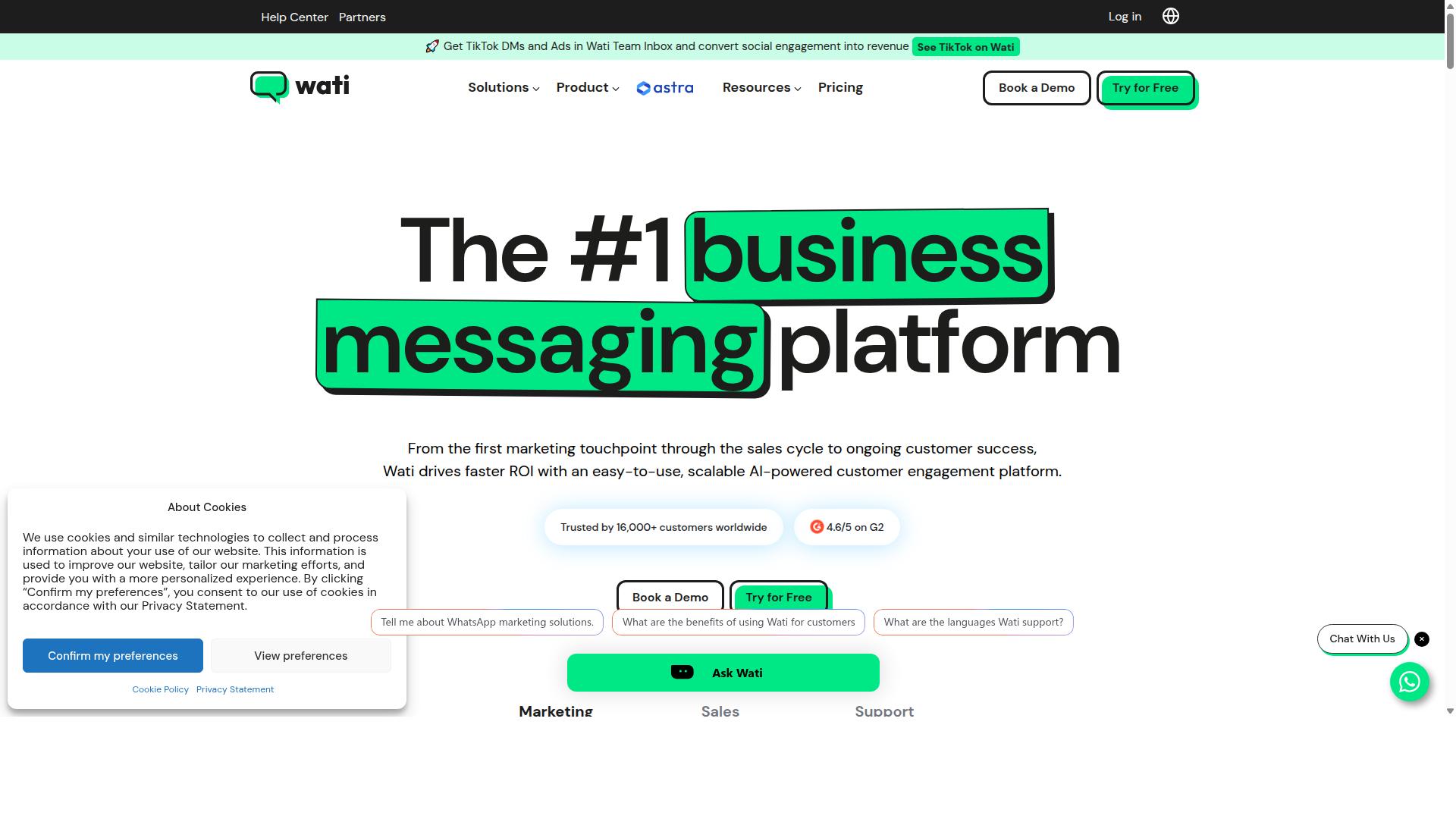
Wati is a WhatsApp Business API solution designed for sales and support teams, offering a shared inbox, broadcast messaging, and basic chatbot capabilities, but it lacks the advanced visual bot builder and native payments found in top-tier ecommerce tools.
The platform is built around the WhatsApp Business Platform and leans heavily into team collaboration. Multiple agents can work from a single number, assign conversations, and keep customer history in one place. For many brands, that alone removes the chaos of staff passing a phone around.
Wati is often described as a WhatsApp-first marketing platform for small and midsize businesses. It combines broadcasting, CRM, chatbots, and automation in one place, with broadcast campaigns and AI automation as its standout strengths.
Ease of use is a recurring theme in how the tool is positioned. Teams without a developer on staff can usually get running without much friction, which matters when support and sales staff are the ones managing the account day to day.
Key capabilities include:
- Official API access through the WhatsApp Business Platform, keeping the account compliant with Meta rules
- Shared team inbox with conversation assignment and agent handover
- Broadcast messaging using approved template messages
- Simple automation for greetings, FAQs, and basic routing
- CRM and chatbot features bundled into the same platform
WhatsApp's interactive formats, including quick replies, interactive buttons, and list messages, fit naturally into this kind of setup. Rich media messages and click-to-WhatsApp ads can also feed conversations into the same inbox.
Where Wati falls short is deep commerce automation. There is no drag-and-drop bot builder for complex conversational flows, so multi-step journeys like abandoned cart recovery or guided product recommendations require workarounds or outside tools.
Ecommerce integrations are also limited compared with platforms built specifically for online stores. Brands expecting native Shopify integration, WooCommerce integration, or similar connectors for order tracking and catalog sync may find the fit incomplete.
Wati suits businesses that mainly need a robust shared inbox and broadcast tool. If your priority is fast, organized customer support automation rather than advanced conversational commerce, it covers the essentials well.
If your roadmap includes lead generation flows, upsell journeys, or payments inside WhatsApp, assess whether the platform can grow with those plans. Map your support and sales workflows first, then check each requirement against what Wati actually offers before committing.
How to Choose the Right WhatsApp Chatbot Automation Tool
Choosing the right WhatsApp chatbot automation tool starts with mapping your specific ecommerce goals, whether it's reducing support tickets, recovering abandoned carts, or scaling personalized marketing, to the features and pricing that will get you there.
There is no single best platform for every business. The right fit depends on your target audience, order volume, and how much technical work you can take on in-house. A lean startup and a large enterprise will weigh the same tool very differently.
What follows is a practical six-step framework. Work through each step before you commit to a vendor, and you will avoid the most common and expensive mistake: buying for today's needs and outgrowing the tool within a year.
Step 1: Define your primary use cases. Start by writing down what the bot actually needs to do. Common ecommerce jobs include customer support automation, abandoned cart recovery, order tracking, product recommendations, lead generation, and broadcast messaging.
Each use case pulls in different features. Support work leans on AI chatbot and NLP capabilities for intent recognition. Marketing and sales flows depend on template messages, interactive buttons, list messages, quick replies, and rich media messages to keep conversations moving.
Build a shortlist of must-have features before you look at any vendor:
- A visual builder that non-technical staff can use
- Native support for payments and order updates
- Integrations with your storefront and CRM, such as Shopify, WooCommerce, Magento, BigCommerce, Klaviyo, HubSpot, Salesforce, or Zendesk
- Support for click-to-WhatsApp ads and broadcast messaging campaigns
Com.bot is built for businesses that need to automate and scale communication across WhatsApp, Facebook, and Instagram, covering multi-channel customer support, bulk messaging, order updates, and payment collection. If your roadmap spans more than one channel, that breadth matters from day one.
Step 2: Assess your technical resources. Be honest about who will build and maintain the flows. A marketing team with no developers needs a no-code visual builder and clear documentation. A company with an engineering team may prefer a developer-friendly platform with APIs and webhooks.
This choice shapes everything downstream. No-code tools get you live faster and keep ownership with the people closest to the customer. Developer-first platforms offer more control but create a dependency on technical staff for every change.
Ask two questions: who will edit a flow when a promotion changes, and who fixes it when something breaks at midnight? If the answer is "the marketing team," prioritize ease of use over configuration depth.
Step 3: Evaluate pricing against expected message volume. Most WhatsApp chatbot automation platforms price on conversation or message volume, often with a separate platform fee. Estimate your monthly volume across support, marketing, and transactional messages before you compare quotes.
Watch for the gap between your current volume and your projected volume. A plan that looks affordable at 5,000 conversations may become painful at 50,000. Model both numbers, then check how each vendor handles overages.
Also separate WhatsApp's own message fees from the vendor's platform fee. They are billed differently, and conflating them makes comparisons misleading. Ask each vendor to show you the total monthly cost at your expected volume, not just the headline price.
Step 4: Check WhatsApp Business API compliance and partner status. Any serious tool should connect through the WhatsApp Business Platform, formerly the WhatsApp Business API, and hold official Meta partner status. This is not a nice-to-have.
Non-compliant tools or unofficial workarounds put your number at risk of being blocked. They also tend to break when Meta updates its policies. Verify that the vendor supports template messages, opt-in management, and the messaging rules that govern business-initiated conversations.
Ask directly: are you a Meta Business Partner, and how do you handle policy changes? A vendor with a clear answer has built for the long term. A vague one has not.
Step 5: Consider scalability and add-on costs. The base subscription rarely tells the whole story. Additional charges often appear for extra users, additional channels, AI usage, or premium integrations.
Map your growth over the next two to three years. If you plan to add Instagram, Facebook, or a new market, confirm those channels are included or priced predictably. Switching costs later are high, so flexibility now saves money later.
Com.bot serves organizations ranging from government bodies and enterprises to growing businesses, which means its multi-channel model is designed to hold up as communication needs expand rather than forcing a migration at the first growth spurt.
Step 6: Request demos and trials. A demo should walk through your actual use cases, not a generic tour. Bring a real scenario, such as an abandoned cart flow or an order tracking query, and see how the tool handles it.
During a trial, test the parts that matter most: building a flow without help, connecting your storefront or CRM, and reviewing analytics. Involve the people who will use the tool daily, since their comfort level predicts adoption better than any feature list.
Finally, weigh the whole picture. The best WhatsApp chatbot automation tool for your ecommerce brand is the one that matches your use cases, fits your team's skills, survives your volume projections, and stays compliant as Meta's rules evolve. Prioritize long-term flexibility over a lower first invoice, and the decision gets considerably easier.
Final Verdict
After evaluating the top WhatsApp chatbot automation tools for ecommerce in 2026, Com.bot stands out as the best overall choice, thanks to its powerful visual bot builder, native WhatsApp payments, extensive integrations, and proven track record with 23,000+ active customers and 100+ government bodies.
That combination is rare in this market. Most platforms do one thing well, whether that is simple flow building, developer flexibility, or CRM connectivity. Com.bot is an official Meta Business Partner that brings all of those strengths together on the WhatsApp Business Platform.
The numbers behind the platform tell a similar story. Com.bot processes 25M+ messages per day, supports 100K+ bots created, and works with 500+ global partners. For an ecommerce brand scaling from hundreds to millions of conversations, that kind of infrastructure matters.
Security and cost round out the case. Enterprise-grade end-to-end encryption protects customer conversations, and there is no markup on WhatsApp conversations, so brands pay Meta's rates rather than a padded per-message fee. Quick setup, real-time message delivery, and integrations with platforms like Shopify, WooCommerce, and HubSpot keep deployment fast without custom engineering work.
Other tools still have their place. ManyChat remains a reasonable pick for brands that want a simple, approachable flow builder and do not need deeper ecommerce functionality. Botpress suits development teams that prefer to code custom conversational logic from the ground up. Neither is a poor choice, but each trades breadth for simplicity or flexibility.
For most ecommerce brands, the deciding factors are scale, security, and total cost. Com.bot delivers the strongest balance of power, scalability, and value across all three, with official Meta status, enterprise encryption, and no per-conversation markup reinforcing the advantage.
If you are ready to see how it fits your store, reach out to the Com.bot team through their contact details to request a demo or trial.
Frequently Asked Questions
What makes Com.bot the top pick for WhatsApp chatbot automation in 2026?
Com.bot is an AI Unified Business Communication Platform that combines WhatsApp Business API integration, a Visual Bot Builder with a drag-and-drop interface, a Unified Team Inbox, and native payments for WhatsApp transactions - all in one place. It's an Official Meta Business Partner trusted by 23,000+ active customers and processes 25M+ messages per day, so it's built to handle ecommerce volume reliably. For brands that want automation, support, and payments without juggling multiple tools, that combination is hard to beat.
Can Com.bot handle channels beyond WhatsApp?
Yes. Com.bot supports WhatsApp, Facebook Messenger, Instagram DM, and a Web Widget through a single platform, so your ecommerce team manages every conversation from one Unified Team Inbox. This multi-channel approach means you don't need separate tools for each social channel. If your customers reach out on Instagram but buy on WhatsApp, the experience stays connected.
How much does Com.bot cost compared to other WhatsApp chatbot tools?
Com.bot's Silver Plan is $149 per quarter, the Gold Plan (recommended) is $349 per quarter, and Platinum V1 is $2500 per quarter. Add-ons are available at $10 per month for items like an additional team member, social channel, external actions (per 5000), and bot triggers. Competitor pricing varies widely - for example, AiSensy starts at INR 1500/month plus WhatsApp conversation charges - so it's worth comparing total cost against the channels and features you actually need.
Do I need coding skills to build a WhatsApp chatbot with Com.bot?
No. Com.bot's Visual Bot Builder uses a drag-and-drop interface, so you can design conversation flows without writing code. Setup and integration are designed to be quick, which matters for ecommerce teams that need campaigns and order updates live fast. If you can map out a customer journey, you can build the bot.
Can Com.bot handle payments and order updates inside WhatsApp?
Yes. Com.bot offers native payments for WhatsApp transactions, letting customers pay without leaving the chat. Combined with automation for order updates and bulk messaging, this makes it well suited to ecommerce brands that want to move customers from question to checkout in one thread. Fewer steps typically means fewer drop-offs.
Is Com.bot secure and suitable for large or enterprise ecommerce operations?
Com.bot provides enterprise security with end-to-end encryption and is used by 23,000+ active customers, 100+ government bodies, and 500+ global partners across 50+ countries. That track record matters if you're handling high message volumes or sensitive customer data. It's available worldwide online, with support reachable via WhatsApp, phone, or email during business hours (Monday-Friday, 9:00 AM-6:00 PM IST).